Ring Glance FAQ Privacy

Ring Glance

Wear OS

Sleep, readiness & activity — at a glance.

Ring Glance brings your Oura Ring's data to your Wear OS watch: an app, tiles, complications, and even watch faces. Glance at your wrist instead of digging out your phone.

Coming soon to Google Play Read the FAQ
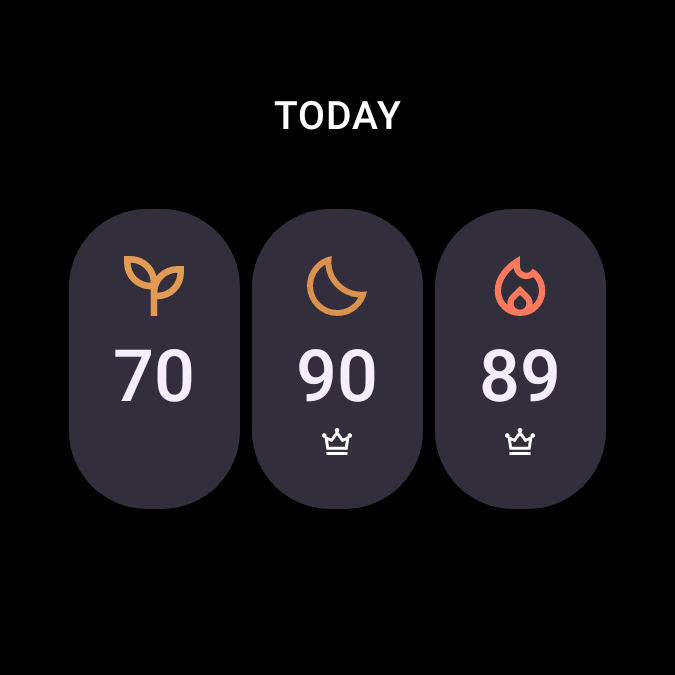
A Wear OS watch showing the Today tile: Readiness, Sleep, and Activity scores side by side.

Everything on your wrist.

Three focus screens

One each for Sleep, Readiness, and Activity. Tap in for the contributors behind the score, plus charts for sleep stages, heart rate, and movement.

Complications anywhere

Eight of them: pin any score, steps, calories, or ring battery to the watch face you already wear.

Tiles for every glance

Nine of them: swipe to your scores, sleep stages, steps, heart rate, calories, body temperature, and bedtime.

Standalone

Runs on your watch, talks to Oura directly. No separate Ring Glance phone app to install.

Offline-first

Your latest numbers stay on the watch and refresh in the background.

No tracking

Read-only, encrypted on your watch. No ads, no analytics on your health data.
The four main screens.

Straight from the app — every render on this page is the app's own.

Try one of the six themes from the app.

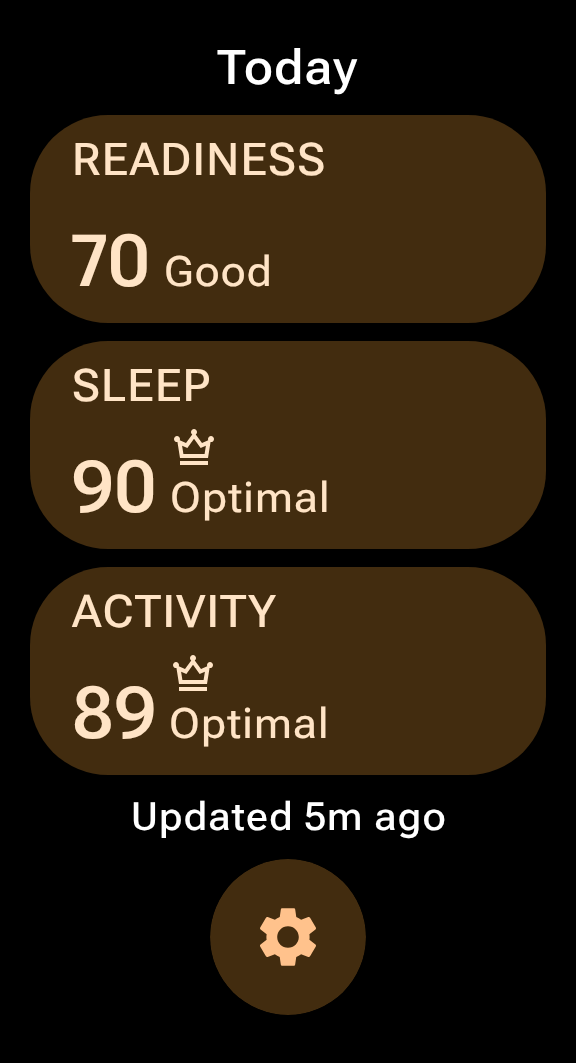
The Today screen: Readiness, Sleep, and Activity score cards, freshly synced.
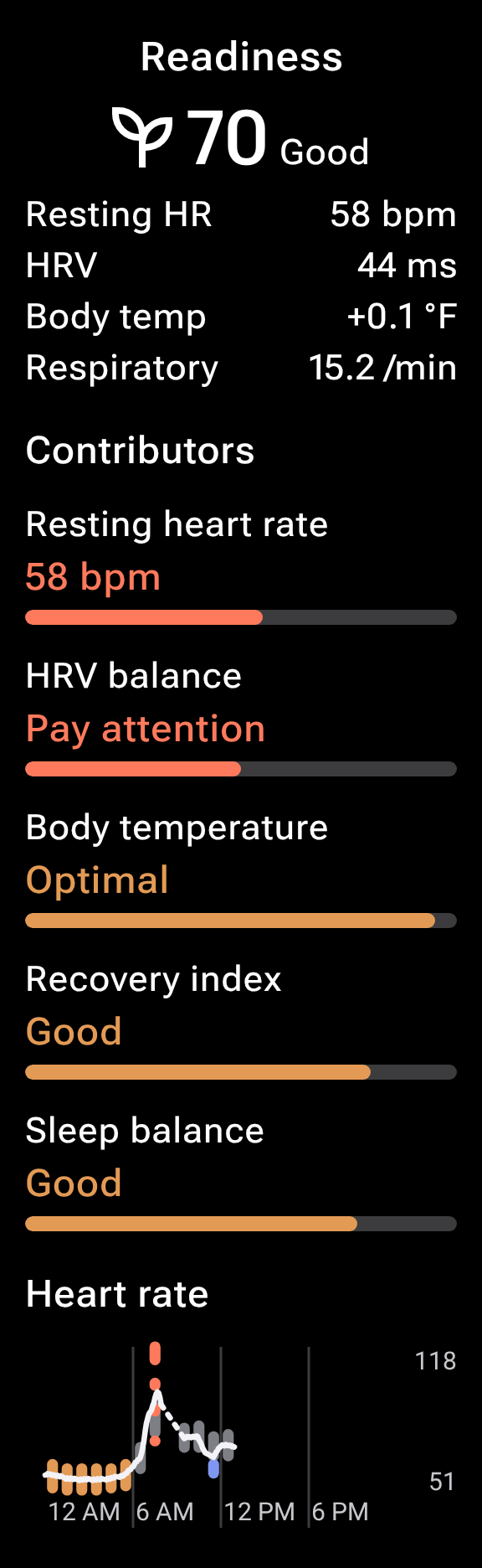
The Readiness screen: score, resting heart rate and vitals, contributors, and the day's heart-rate graph.
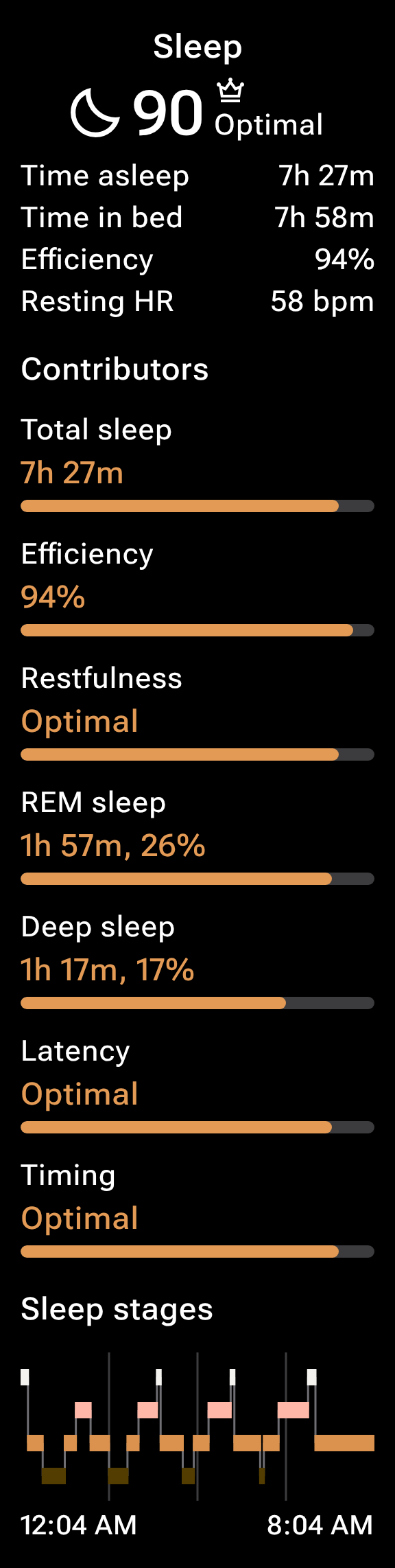
The Sleep screen: score, time asleep and efficiency, seven contributors, and the sleep-stages chart.
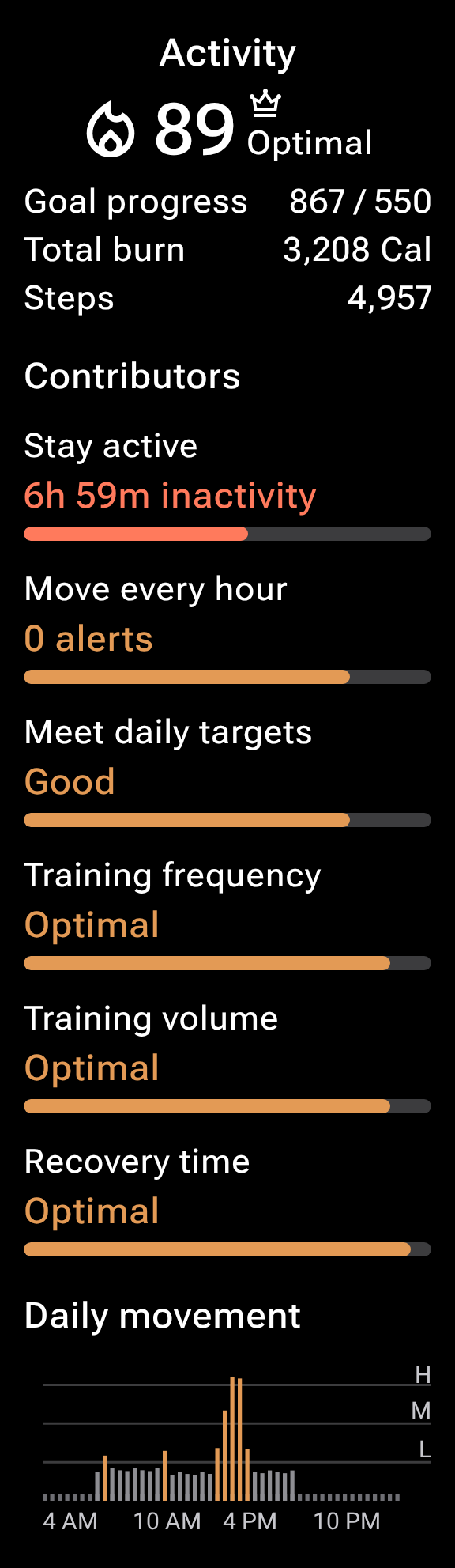
The Activity screen: score, goal progress and steps, contributors, and the daily-movement chart.

The nine tiles.

Purpose-built for Wear OS — they live one swipe from your watch face.

The Today tile: Readiness, Sleep, and Activity scores side by side.
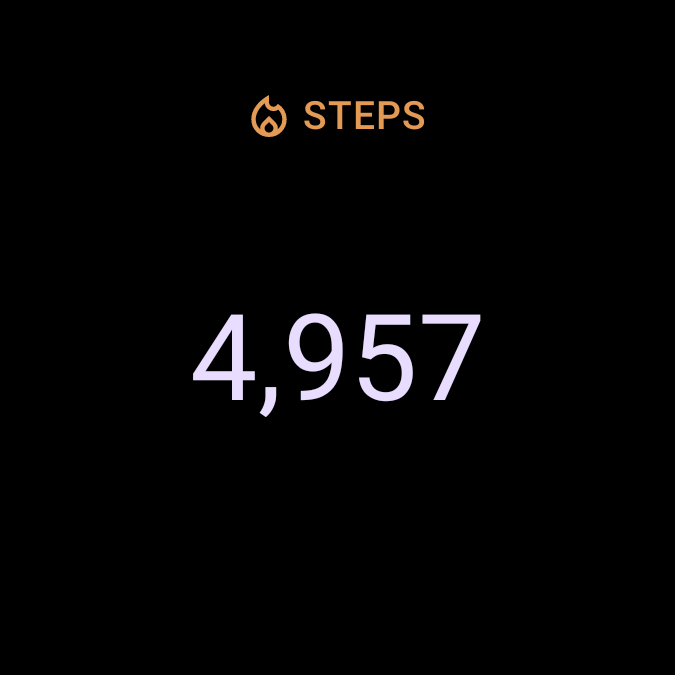
The Steps tile: the day's step count.
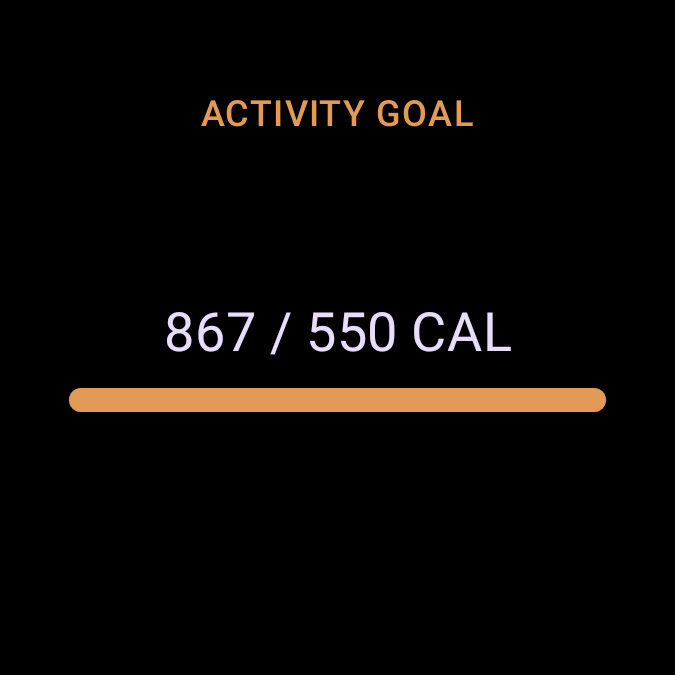
The Active Calories tile: active calories against the day's goal.
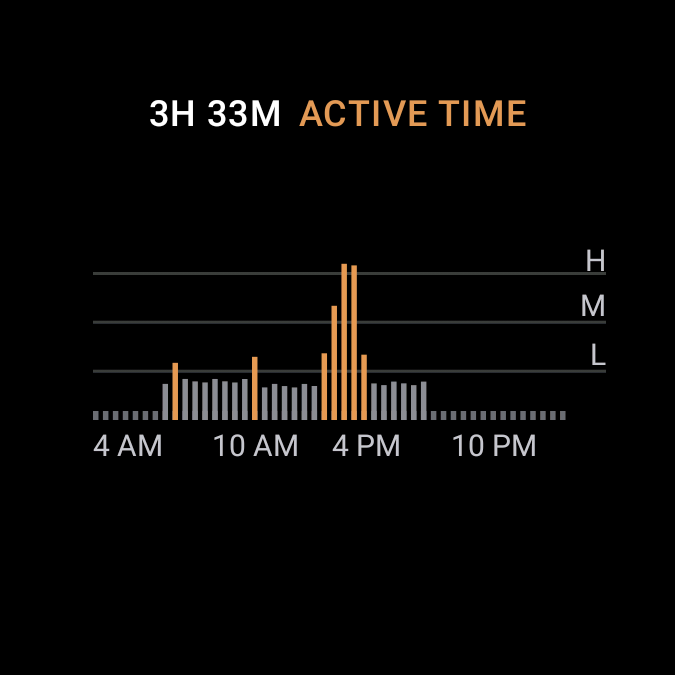
The Active Time tile: hours active and the day's movement chart.
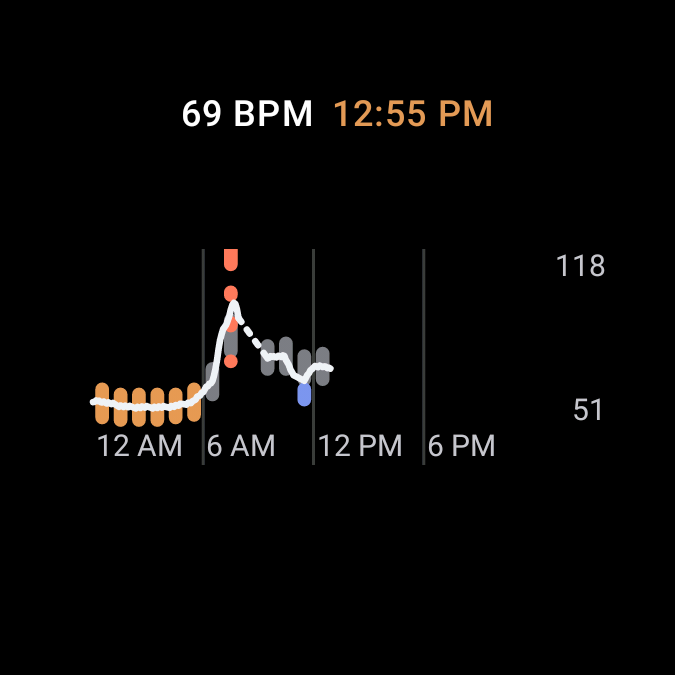
The Heart Rate tile: the latest reading and the day's heart-rate graph.
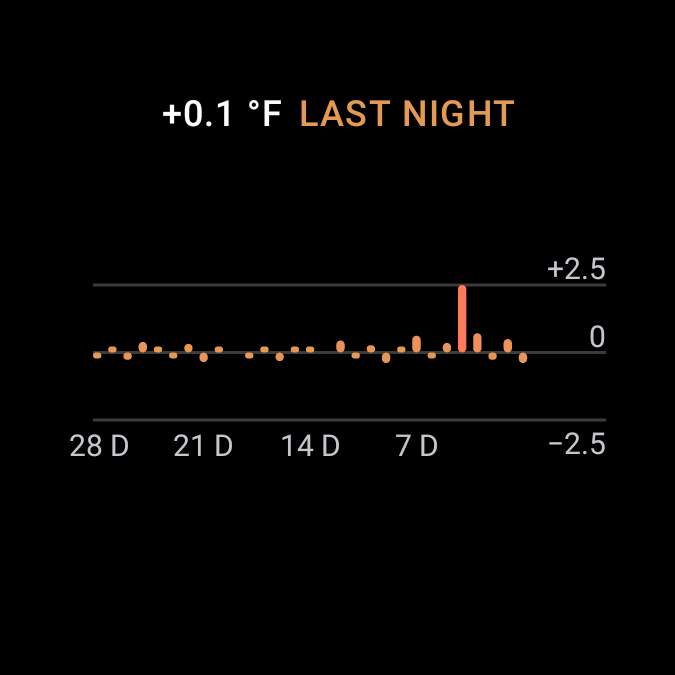
The Body Temperature tile: last night's deviation and a month of trend.
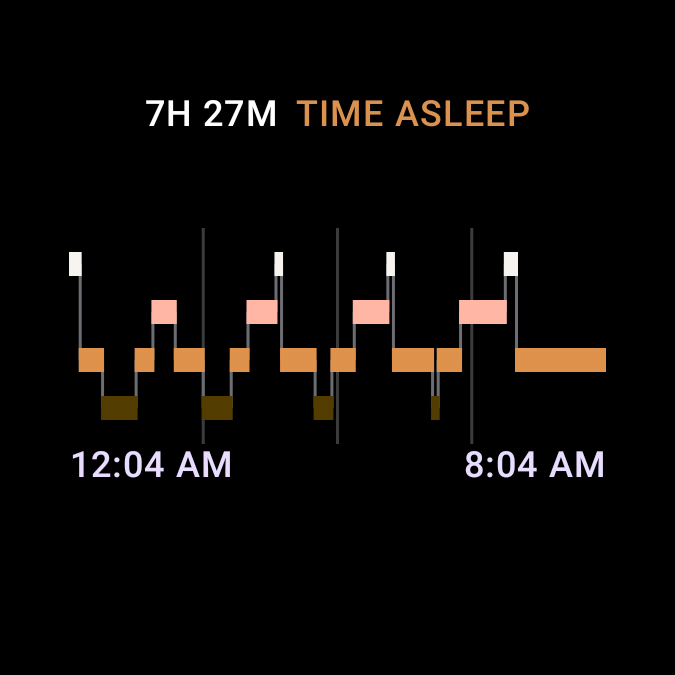
The Sleep Stages tile: time asleep and the night's stages.
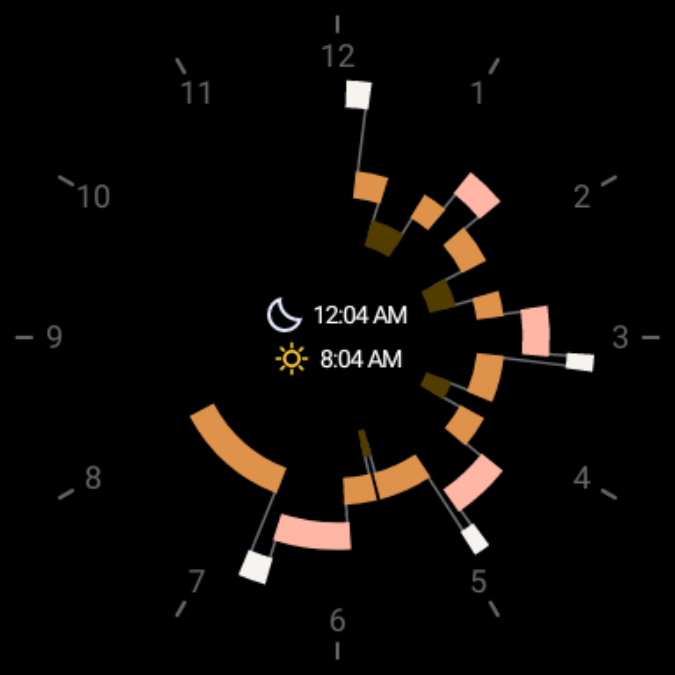
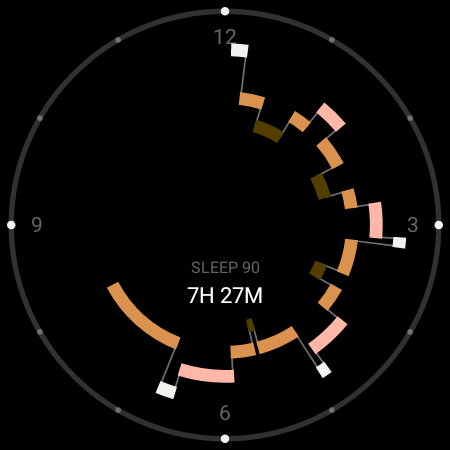
The Sleep Clock tile: the night's stages wrapped around a clock dial.
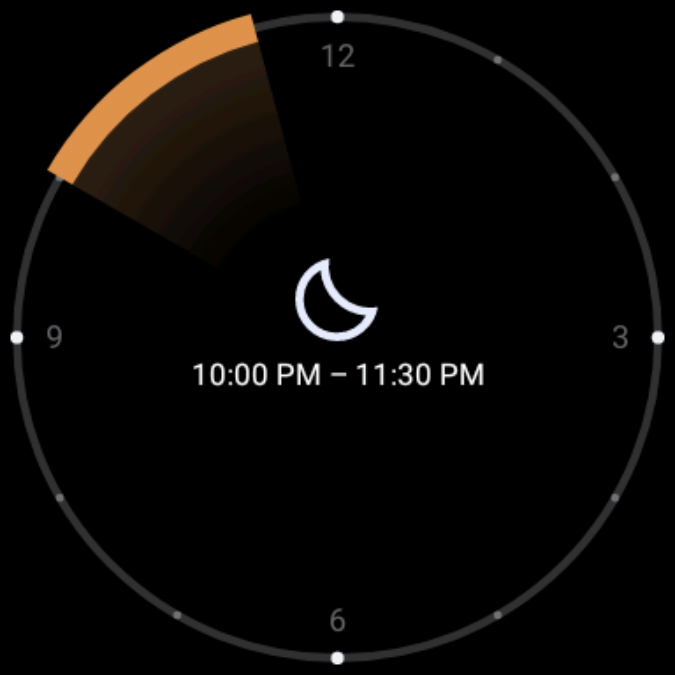
The Bedtime tile: tonight's ideal bedtime window on a clock dial.

Two watch faces.

Both are free, and both need the Ring Glance app — they show your Oura data through it.

The Night face's dial: last night's sleep stages wrapped around a 12-hour clock ring.

Night

Last night's sleep, told on a clock dial, fading to tonight's ideal bedtime.

Free Ring Glance required Play listing — coming soon

Glow

A quiet dial that shifts with your day's stress.

Free Ring Glance required Play listing — coming soon
What you need

An Oura account, an active membership, your ring, and a paired Android phone for the first sign-in. After that, it's standalone.

Coming soon to Google Play

Read the FAQ

Ring Glance is an independent app for Oura Ring owners. It is not made by, affiliated with, or endorsed by Ōura Health Oy.

Ring Glance shows your data; it isn't medical advice. For ages 18+.

FAQ & support · Privacy policy